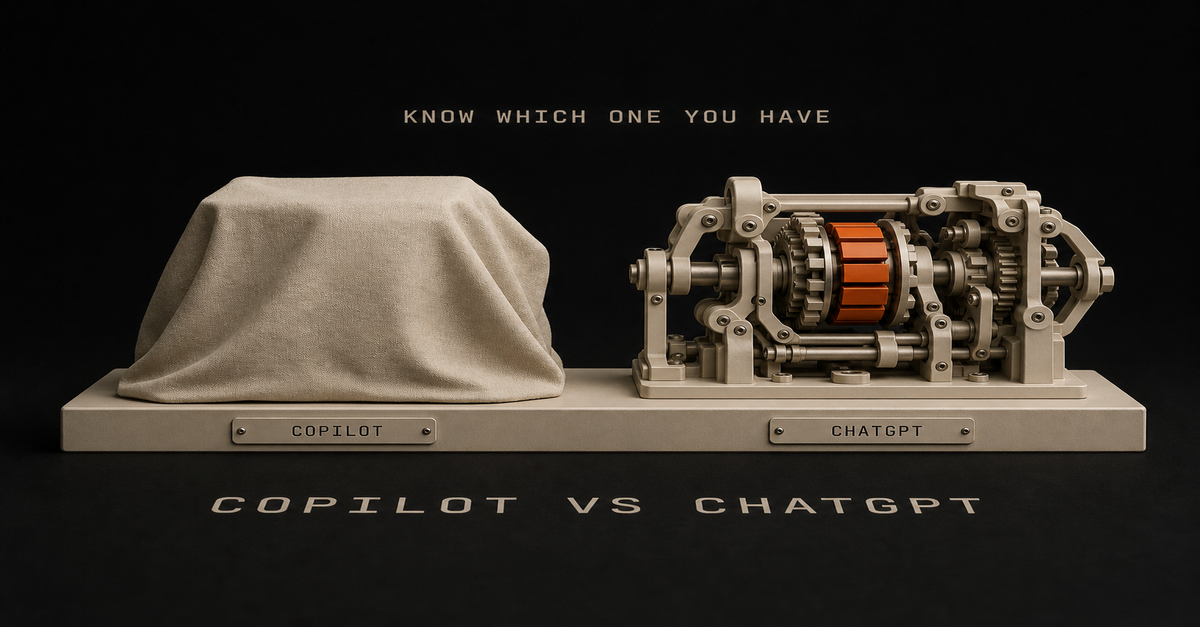
Quick answer: Yes, most people should still pay for their own AI subscription - but not for the reason every other article gives.
It is not that Copilot is the dumb one - it runs current-generation models from the same labs. It is that there are two different products called Copilot, and the free one your company handed you probably cannot see your work data at all. And even when it can, it is your employer’s tool, bought for your employer’s benefit. That is the part nobody says out loud.
I use Copilot at my day job and ChatGPT on my own dime, so this is a comparison I actually live rather than one I assembled from spec sheets.
First: find out which Copilot you actually have
This is the most useful thing on this page, and almost no comparison article covers it. From Microsoft’s own licensing docs, there are two tiers with nearly the same name:
Copilot Chat (free) - automatically included with an eligible Microsoft 365 subscription at no extra cost. Web-based chat: it sees the public internet and whatever you paste or upload. It has enterprise data protection, but it cannot read your organization’s content.
Microsoft 365 Copilot (paid add-on) - a per-user license your company buys on top. This is the one from the advertising: work-based chat that grounds answers in what your work account can access - your email, files, meetings, and chats - plus in-app help inside Word, Excel, PowerPoint, and Teams.
The 10-second test: ask it something only your inbox or your files would know. “What did my manager email me about the Q3 budget?” If it cannot answer, you have the free one. Everything the ads promised you - the meeting summaries, the “draft this from my documents” magic - lives behind the paid license.
If nobody at your company bought the add-on, you are comparing ChatGPT against a web chatbot in a Microsoft wrapper. That is a very different comparison from the one you thought you were making.
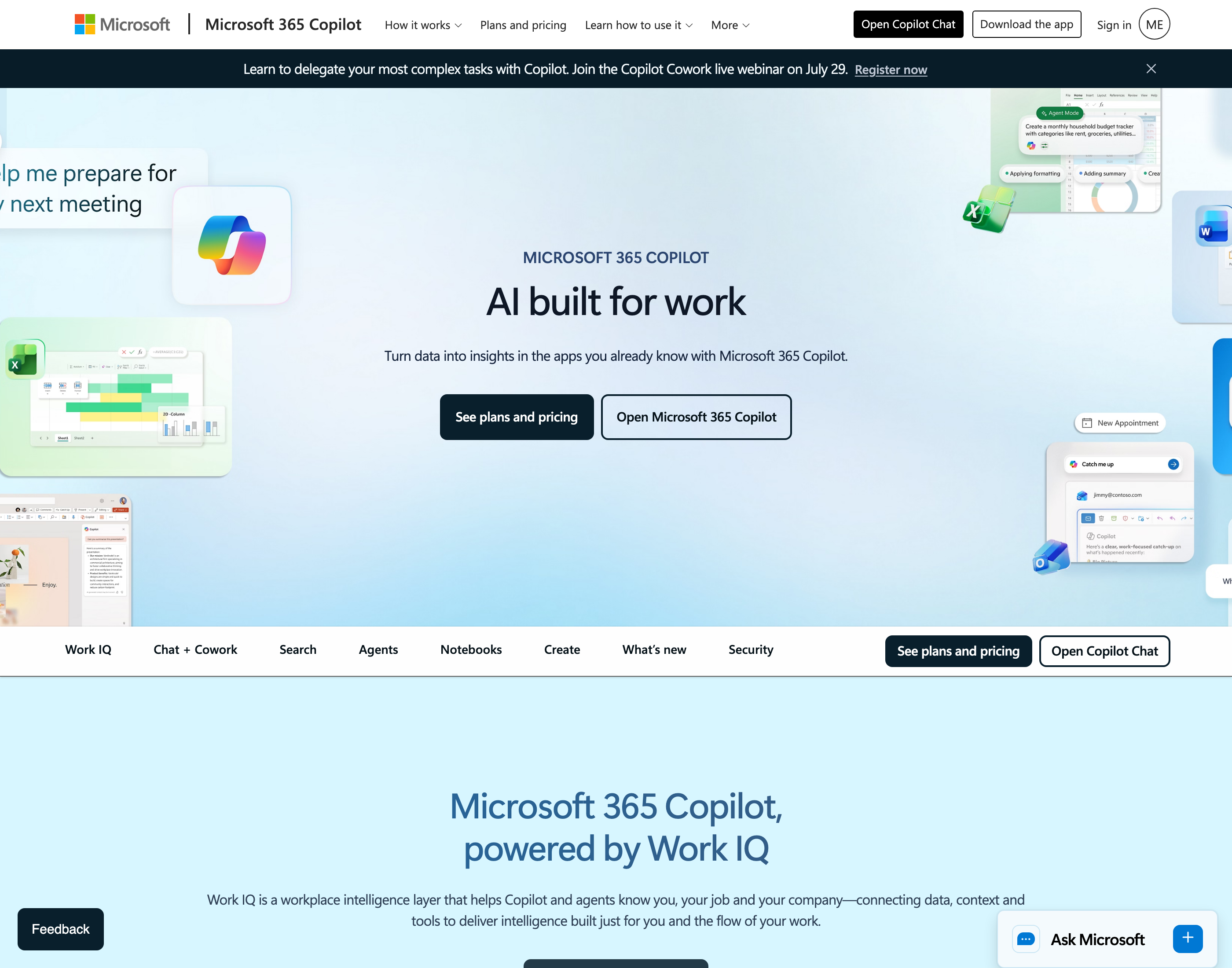 The paid product. Microsoft 365 Copilot’s own page, captured July 27, 2026. If your company didn’t buy this add-on, the Copilot you have is the free chat without access to your email, files, or meetings.
What using it at work is actually like
My honest read, from using it: the interface is clunky. It feels like 2023 or 2024, like ChatGPT when it first came out. They are barely into the custom agent side of things.
But the bigger thing is how much it varies. What Copilot can do depends entirely on your company and which features they enabled. Some organizations do not even have internet access switched on. There are a lot of constraints, and they are not the same constraints from one employer to the next.
Which leads to a caveat I want to be fair about: it is not really fair to compare Copilot against ChatGPT unless your company has both. Your Copilot experience is partly a review of your IT department, not of Microsoft.
Having used both, ChatGPT is more feature-rich - voice, custom GPTs that are genuinely easy to make, skills, Codex. For the work I do, it beats Copilot across the board. My honest opinion is that Copilot is well behind.
The plot twist: it is not a model problem
Here is what saves this from being a lazy dunk. Copilot is not running some inferior discount model - Microsoft ships current-generation models inside it, from the same labs whose products you are comparing it against.
So when Copilot gives you a worse answer than ChatGPT on the same prompt, the model usually is not the variable. The wrapper is. The context it is allowed to see is. The permissions are. A capable model that cannot read your files, cannot browse, and sits behind a clumsy interface will lose to a slightly different model that can do all three.
That reframe matters, because it tells you the fix is never “wait for Microsoft to get a better model.”
The real reason the free one is not enough
This is the argument I care most about, and it has nothing to do with benchmarks.
You want to own your own data and your own processes.
You should not mix your personal life into your company’s AI. When you are on the go, you are not going to use your employer’s Copilot to work through your schedule, your goals, your finances, or your health. Nor should you - it is their tenant, their logs, their tool.
The reverse is just as true, and more likely to get you in trouble: do not leak company data into your personal AI. Check your policy. In a lot of organizations, pasting a client contract into personal ChatGPT is a fireable violation, and the affiliate-driven comparison pages will never tell you that.
So the split is not about which is smarter. It is:
- Work data stays in the work tool. That is what it is for, and it is the one your security team approved.
- Your life stays in your tool. Schedule, brainstorming, news, goals, side projects, learning.
Your company’s Copilot is a tool the company gives you for their benefit, to do their work. That is not a criticism - it is just what it is. If you want to use AI to improve your own life, that is a different tool, and it is worth $20.
You can still use the work one well within those lines: brainstorming, abstract sessions, coding problems, help tracking and managing your schedule. Just nothing proprietary going out, and nothing personal going in.
Where Copilot legitimately wins
Compare, do not co-sign. Copilot has real advantages that have nothing to do with model quality:
- It is the one you are allowed to paste a contract into. That is not a small thing - it is often the entire decision at work.
- It runs in the tenant your company already pays for, under the compliance and data-protection terms your legal team signed.
- It is inside the apps - Teams meeting summaries, Excel work in place, Word drafting - if your company bought the add-on.
- It costs you nothing personally.
If your AI use is summarizing meetings, cleaning up emails, and light Excel work, all on data you legally cannot paste anywhere else, the free Copilot is genuinely enough. Some readers should not spend a dollar on a second tool. That is a real answer.
The verdict
Free Copilot is enough if: your AI use lives inside Microsoft apps, on work data, doing work tasks - meeting notes, email cleanup, formulas.
Pay for your own if: you want memory across sessions, real research, image generation, voice, custom assistants, or you are building anything on the side that is not your employer’s business. Also if you simply want a place to think that your employer does not administer.
The tell: if you keep pasting things out of your work tools to get a better answer, you already need the second tool. You have been running the experiment without noticing.
How to buy it: start with the free tier. If you constantly get logged out or maxed out on usage limits, that is a good sign it is time to upgrade. And when you do - go look at what else you are subscribed to. You would be surprised how much money you are already wasting on things you do not use.
If you want the cheaper rung, ChatGPT Go is $8/mo and covers ordinary writing work. Which tool to buy at $20 is its own question - I cover it in Claude vs ChatGPT and, tier for tier, in Claude Pro vs ChatGPT Plus.
For what it is worth, the tools I think are actually worth your attention right now are OpenAI, Anthropic, Grok, Gemini, and Perplexity. Most of the rest is noise. There are strong local models too - GLM, Gemma, Kimi - and you can run them on your own machine, but that is a more complex path than this post is about.
More on using AI inside a normal job: Claude at Work.

Written by
Chris AlarconChris Alarcon builds Ship Lean: the boring Claude and AI setups that actually work, handed to people who don’t code. He runs his one-person operation on these systems, around a full-time job, and shares every workflow, prompt, and tool combo in public. Start with the 15 prompts he uses every day.
Work With Me
Run a business or a team?
I build these systems for clients: I turn your calls, demos, and expertise into a steady stream of buyer-facing content. If that's you, the offer is one click away.
See the offer →The 15 AI prompts I actually use every day
I tested hundreds and kept the 15 that survived at my desk. You get them right away, then one short Ship Lean note every Tuesday.