-
 Chris Alarcon
 - 25 Sep, 2026
How to Use Grok in 2026: Chat, Imagine and Grok Bot, and Where Each One Actually Lives
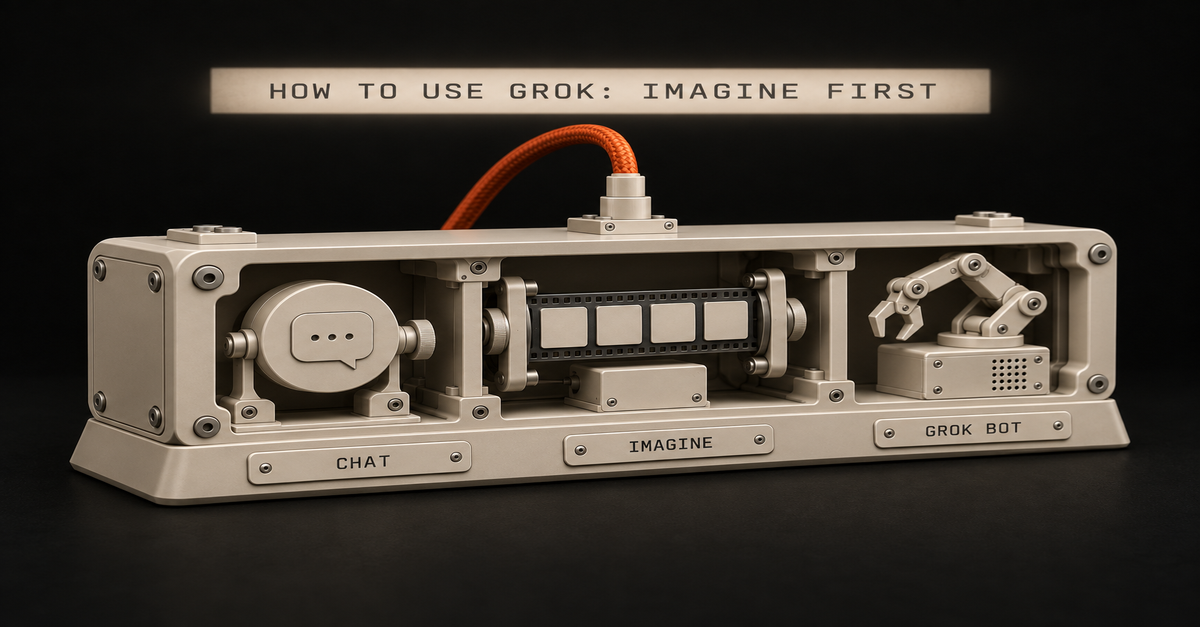
You opened X, saw a Grok tab, then a friend said "use grok.com" and someone else mentioned Grok Bot. Now you can't tell if those are the same thing, or if you have to pay Elon before you type a word. You don't. Grok is free to start at grok.com, and it's three things that live in three places. I pay $100 a month for SuperGrok Plus, next to Claude and ChatGPT. Ironically I use Grok Bot more than I thought I would. Right now it's really serving as my hub to catch my analytics on the fly. Here's the first thing I'd have you make, one prompt and four takes back:My Grok Imagine run, SuperGrok Plus, September 10, 2026. Published September 25, 2026. Docs checked on xAI's and Cursor's pages that day. What you need (as of September 25, 2026, on my account)A browser or the app. Use grok.com in Chrome, or the iOS or Android app. xAI's FAQ says the old grok.x.ai address can miss features like Projects. A free account. xAI's overview says it plainly: "Grok is free to start." The login you'd pay with later. Your subscription sticks to the account you bought it with (X, Apple or Google). Pick one and keep it. For a work laptop: Grok's connectors reach Gmail, Drive, Outlook, Teams, SharePoint and Salesforce on every plan. Ask IT before you connect a work account. Skip for now: Companions (iOS only), X Premium, and the $300 Heavy plan.The part that confuses people is where each piece lives:Where What you do there Cost to startgrok.com and the Grok app Chat, Imagine, voice, file uploads, connectors, Build FreeThe Grok tab inside X Chat without leaving X. X runs it, and X's plans decide what you get Your X account (I couldn't read X's help page today, so no limits quoted)Grok Bot (a separate app) A bot with its own cloud computer that runs jobs for you SuperGrok ($30 as of September 11) or above linked, X Premium+, or a paid Cursor planThis page teaches the first row, then the third. If money is the question, Grok free vs SuperGrok covers what each plan unlocks. Step 1: Sign up at grok.com and leave the mode on Auto grok.com → Sign up → pick your login. You'll land on one message box with a mode button next to it.grok.com's mode menu, signed out, September 22, 2026. Fast answers quick questions. Auto decides for you, and it's where I'd leave a beginner. Expert thinks longer, and xAI's plan table dashed it for the free plan when I checked on September 10. There's no model number in that menu, and xAI hasn't said which Grok version the app runs. Step 2: Ask about something that happened this week Live search is Grok's home turf. It reads X and the web while it answers, and you can watch it search.Grok chat on my account running four searches, August 28, 2026. Your first real task, 10 minutes: What changed this week in [your industry]? Give me 5 bullets, each with a link. Mark which ones come from posts on X and which come from news sites.Applicable for: marketers, sales, ops leads, anyone who writes a Monday update. To hand it a document, click the + next to the message box. xAI allows up to about 100 files on the web, 150 MB each. If you're weighing this against the chatbot you already pay for, Grok vs ChatGPT is my split. Step 3: Open Imagine and pick from four instead of rewriting one prompt grok.com → Imagine (in the sidebar, or top right when signed out). If a friend opened Grok for the first time, I'd tell them to try the Imagine feature because it generates four images at once. I tried it, I thought it was really cool. That's the image at the top of this page. You steer by picking the closest take and asking for more of that, which feels closer to Midjourney than to ChatGPT or Claude. A flat, friendly illustration for a slide called "Q4 onboarding plan". Warm colors, a desk, a laptop, a checklist. No words in the image.Applicable for: anyone who makes slides, flyers, or social posts and has no designer. Two limits to know. Every output carries a Grok watermark, and xAI's FAQ says "there is no setting to remove the watermark." And on September 10, xAI's plan table checked still images for free and dashed video, so video is a paid thing. Is Grok Imagine free? has that table. Paid users are grumbling this week. u/hucresi, a SuperGrok subscriber, posted on r/grok that they "can not generate more than two quality images and can not generate videos more than 6 seconds." That's one user's report. u/pee_bottle gave the other side: "it still seems to be pretty good compared to the competition." Step 4: Switch the mode to Build when you want a page, not an answer Same mode button, one more option: mode menu → Build. You describe a site or a small tool, and it builds one with a live preview next to the chat. xAI put Build on every plan on August 19.Grok Build on my SuperGrok Plus account, September 10, 2026. I just don't trust it if I'm gonna build something serious. I've tested it, and it's not terrible. A starter website, sure. But to write a blog post or edit one, I won't hand it to Grok. That's still Claude's job for me. The walkthrough is in What is Grok Build?. Step 5: Install Grok Bot only when you have a job that repeats Grok Bot is not a chat mode. It's a separate app for macOS, Windows, Linux, iOS and Android, per xAI's Grok Bot FAQ. In my words, it's a bot with its own virtual machine and it's at your disposal. That's why it keeps working after you close the laptop.The errand it ran with my laptop shut: Grok Bot Explained: It Works With Your Laptop Closed (10 min).Download Grok Bot → sign in with a Cursor account → link your SuperGrok plan. That Cursor step surprises people, but it's how xAI's get-started guide sets it up.Cursor's Grok Bot plans page, September 25, 2026. The $10 SuperGrok Lite plan doesn't include it, per Cursor's plans page. Mine runs on SuperGrok Plus:My Grok billing screen, captured August 28, 2026. This is where you'll feel Grok the most. You chat with it on the fly: yo, buy me this, remind me this. It's decently smart for health questions and reminders too. And for catching my analytics, it's really good where Codex flunks. Codex has automations for that, but Grok Bot is more consistent.My Grok Bot, Inbox Hawk's three daily routines, September 10, 2026. xAI's guide builds a first task from five parts: outcome, sources, constraints, deliverable and a review point. Here's that shape for a 15-minute first job: Outcome: every weekday at 9am, tell me which emails need a reply today. Sources: my inbox. Constraints: don't send, delete or archive anything. Deliverable: a message to me with 5 lines max, one per email. Review point: ask me before you touch anything.Applicable for: managers, freelancers, anyone whose morning starts buried in email. Use a personal inbox first, not a work one, until IT says yes. My 12 real jobs, and the one I'd kill first, are in Grok Bot use cases. How to tell it actually workedChat: you see the search steps ("Ran 4 searches") and links you can click. No links? Ask it to search and cite, then check one. Imagine: four tiles come back from one prompt, each with the Grok watermark. Grok Bot: the routine shows under Routines with its time, and a message lands at that time without you opening anything.One failure to know about: u/Moon_Frost, on the free tier, gets "thinking for x seconds/minutes, running x searches.. But never gives a response." That's one free-tier user's report this week, so if it hits you too, it's not your prompt. Paid plans also stop at a weekly pool, explained in Grok usage limits. If you're buying just one AI, it's still not Grok If you're gonna buy just one I still say ChatGPT, man, it gives you the most value. It has images, good voice you can talk to, and a really smart model. To me Claude has the smartest model right now, and it's where I do serious work, but ChatGPT is the best all-rounder for one subscription. My rule: Grok free for live questions and images, Grok Bot when a job repeats, and ChatGPT if you only pay for one. ChatGPT Free vs Plus covers that decision, and Claude guides covers the serious-work side. Where this comes from The steps come from xAI's and Cursor's docs, checked September 25, 2026. Prices and free-plan rows are from xAI's plan page, September 10 and 11, because it wouldn't load today. The screenshots are my own SuperGrok Plus account, except Cursor's docs page and the signed-out menu. I haven't tested the Grok tab inside X, and I haven't tried Companions.