In this article
- 1 Grok Bot Is an Assistant With Its Own Cloud Computer, From $30
- 2 “Its own computer” is the whole product
- 3 I Built Three Bots in Week One, and One Flopped
- 4 The thing that actually surprised me: the usage math
- 5 This is the OpenClaw idea, shipped properly
- 6 It Starts at $30, Not the $200 Reddit Says
- 7 Who should get it, who should not
- 8 How I know what is on this page
Quick answer: Grok Bot is xAI’s AI teammate product, launched August 11, 2026, still labeled early beta. Each bot gets its own computer in the cloud, signs into your tools, and keeps working after you close your laptop.
It starts at $30/month, and its work does not count against your Grok chat usage. I pay for it, I built a small team on it in week one, and it is the first agent product I would hand to a non-technical person, beta caveats included.
One of my bots flopped: first week was a dud. But we’ll see how it works out, man.
My read: Grok Bot rents your assistant a computer, and Claude works in your files. The $30 tier is the part that matters.
One naming correction before anything else, because it burns people in search: this is not the @grok bot that replies to tweets. Same company, different product. This one you hire.
Grok Bot Is an Assistant With Its Own Cloud Computer, From $30
| Question | Answer |
|---|---|
| What is it | AI teammates with their own cloud computers, from xAI |
| Launched | August 11, 2026, early beta, per the launch post |
| Cheapest way in | SuperGrok at $30/month lists “Grok Bot access” on xAI’s pricing page, checked August 28 |
| Where it runs | Desktop app (macOS .dmg) plus iOS; it syncs between them |
| Usage | Separate pool; bot work does not drain your Grok chat |
| Who it is for | People who want an assistant that works while they sleep, without setup pain |
“Its own computer” is the whole product
Here is what that phrase actually means.
Your bot lives on a machine in xAI’s cloud. It stays awake when you step away, signs into websites and apps there, and works “including platforms with no clean API or MCP” in xAI’s own words.
You teach it by doing a workflow once while it follows along. It saves the routine and runs it on its own next time.
Bots can even message each other and coordinate.
The part I’d flag: your logins end up on a cloud computer that acts as you. HN user wiradikusuma asked the exact right question: “How does it work with login-walled sites like LinkedIn then?
And what does ‘own computer’ mean?” It works because the computer is real. So think before you hand it accounts you care about.
I Built Three Bots in Week One, and One Flopped
I am on the $100 SuperGrok Plus plan, and I spent the week attacking my own gaps. Three builds:
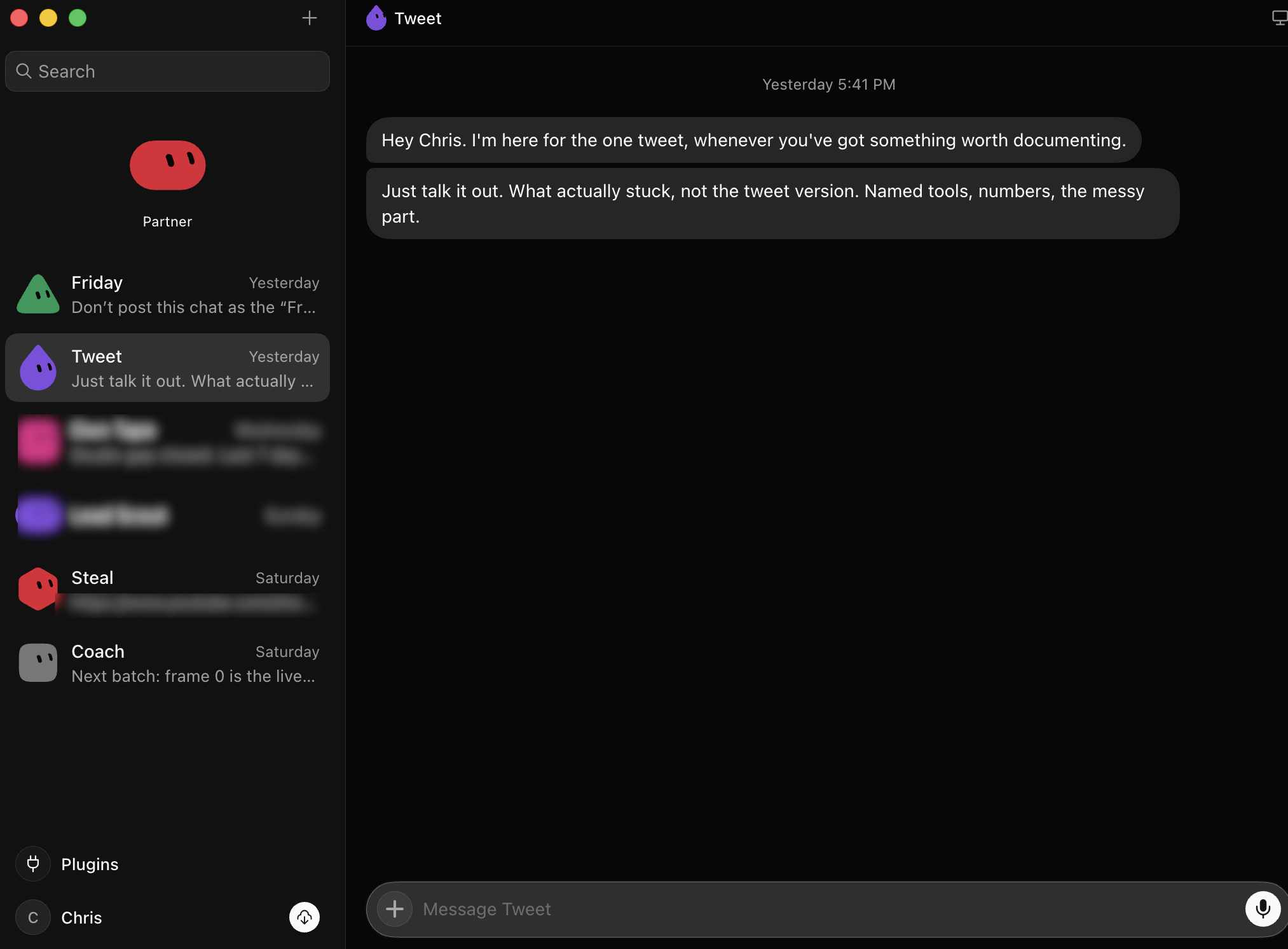 My Grok Bot roster, August 28. They all share one cloud computer, so one login covers every bot.
A mini marketing team that watches my analytics. My gap is that I make content constantly but only review the numbers for one channel.
So I built Partner. Partner is kind of like my co-founder, and it manages a small team: Friday, Tweet, Steal, and Coach. They read my actual channel data and come back with specific calls: this dropped, steal this video, this flopped because of that.
It’s almost like you have a mini team hawking your analytics, telling you how to improve every week.
A news scraper. Three times a day it collects the latest AI drops for me. It already cleaned up some of my lists. It’s simple and boring, and that’s exactly what an assistant should do.
A lead scout, which flopped. I pointed a bot at my services page and told it to find my ideal clients and start conversations. First week was a dud.
I might drop it. I’m telling you because it’s still an experiment. A page that only shows you the wins is selling something.
The thing that actually surprised me: the usage math
I hit my usage limit on the $100 plan this week. Then it reset. In my experience the resets land weekly, sometimes more than once, though xAI does not publish that schedule anywhere. Meanwhile the launch post says Grok Bot “comes with its own usage, separate from your Grok and Cursor plans.”
So that’s two pools for one price. The careful version of that claim, with the official quotes and where the docs go quiet, is in Grok usage limits explained.
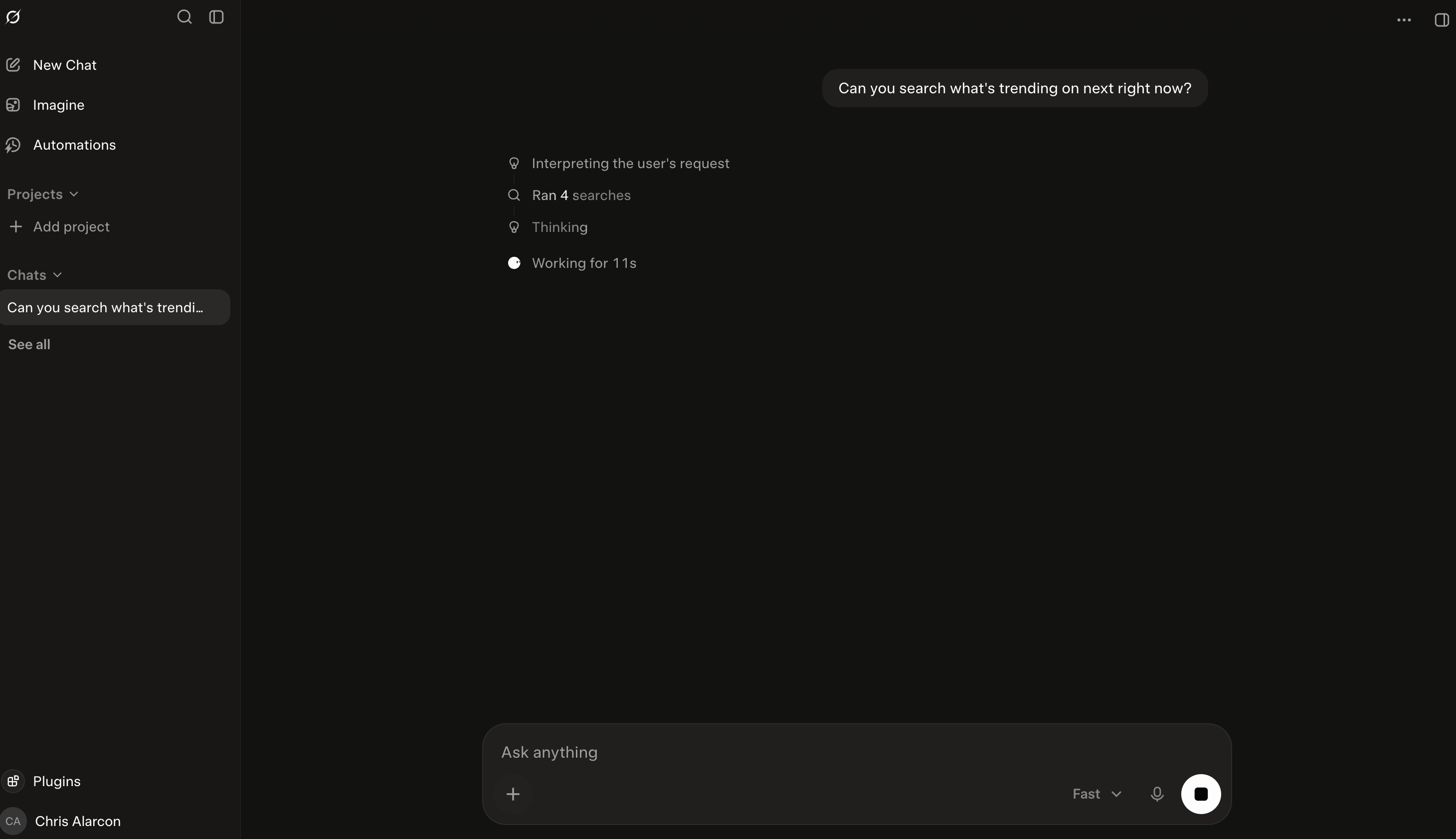 Grok chat running a live search on my desktop, August 28. Chat and Bot are separate products, separate meters.
This is the OpenClaw idea, shipped properly
If you remember OpenClaw, that was the first “AI on the go” moment: amazing when it worked, buggy and a pain to set up.
Grok Bot is that idea as version 2.0: an actual computer instead of your session, a stronger model (Grok 4.6), a real mobile app that syncs with the desktop, and a dedicated subscription instead of duct tape.
I am not alone in that read. HN user thenbrent put it as: “Right now Grok Bot looks a lot easier to get started and maintain with a simpler UI (arguably better), but OpenClaw and Hermes give you more configurability and choice.” That’s the trade: it’s easier and more polished, but you get less control.
It Starts at $30, Not the $200 Reddit Says
The launch had real pricing confusion, and stale answers are still ranking. Reddit threads claim it needs $120 per seat or a $200 to $300 plan. As of August 28, xAI’s pricing page lists “Grok Bot access” on the $30 SuperGrok tier, with SuperGrok Plus at $100 for much higher usage.
During the beta, the Bot docs and the pricing page have not always agreed on tiers, and HN user gexla called that out directly: “This is super confusing.”
So the practical rule: read the pricing page the day you buy, not a blog post from launch week, mine included. I keep the receipts dated on my AI plan tracker, and my own billing screen is on the worth-it breakdown:
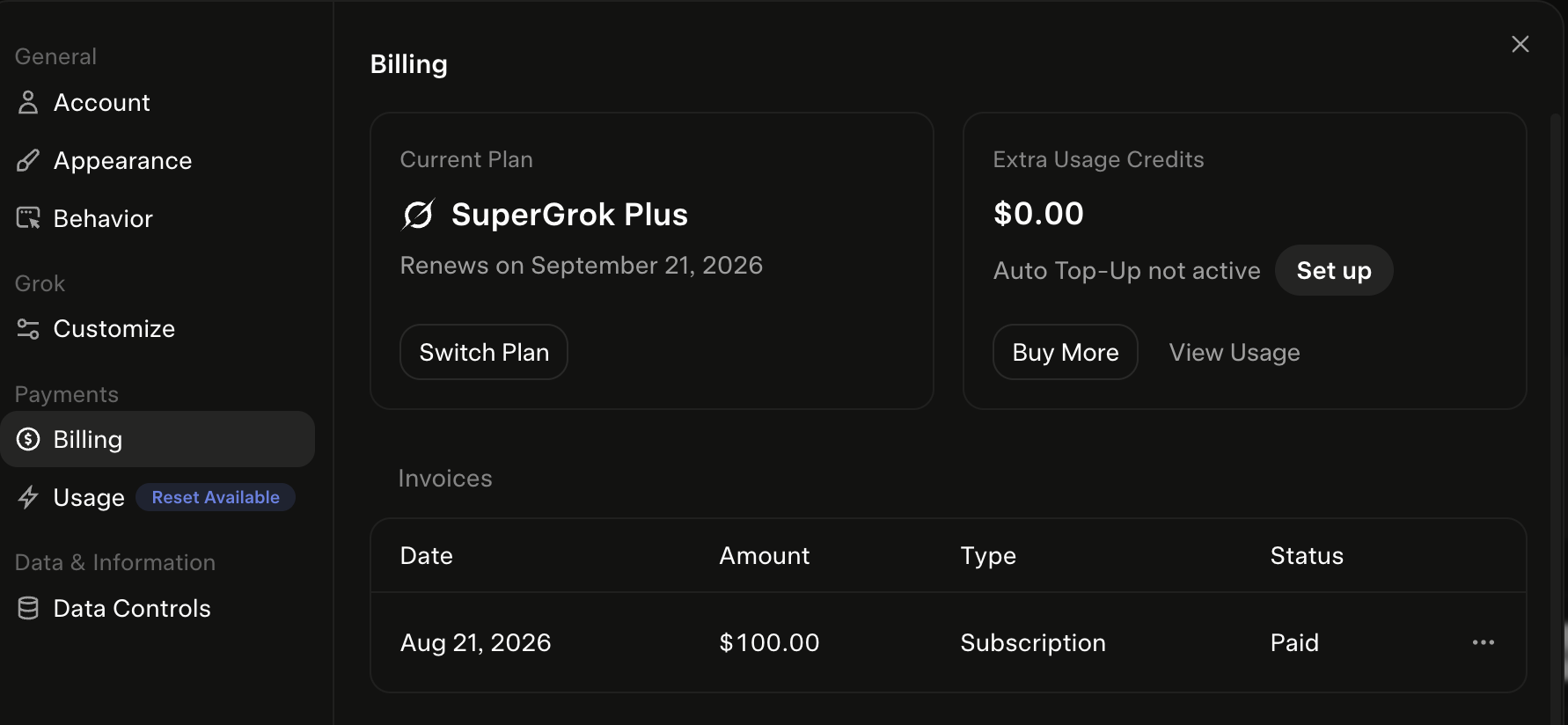 My billing screen, August 28: SuperGrok Plus, $100, paid August 21. Bot Lite and Bot Heavy have no published price.
Who should get it, who should not
Get it if you want a personal assistant, not a coding partner. The pitch for normal people is simple: for $30 budgeted on purpose, you get an assistant with its own computer, on your phone.
Tailored news pulls, monitoring, reminders, the boring recurring stuff. For the people who weren’t able to use OpenClaw because it was too technical, this is the answer, hands down.
Skip it if your work lives in your files. My deep work still happens in Claude, where the agent works inside my actual projects on my actual machine. That comparison gets its own page: Grok Bot vs Claude Cowork.
If you are deciding between the model chatbots themselves, that is Grok vs Claude and Grok vs ChatGPT. And for where any of this fits into your week, start at Claude guides.
Wait if beta bugs scare you. It is labeled early beta, and it earns the label sometimes. My lead scout produced nothing in week one. It moved things forward, but it’s not magic.
How I know what is on this page
Product and pricing facts: xAI’s launch post, bot page, and pricing page, all read August 28, 2026, dated on the tracker.
The builds and the usage story: my own paid account, with the bot roster screenshot above from my actual desktop app. The skepticism: Hacker News users quoted verbatim with links, because with a two-week-old product, the confusion is part of the story.
Make your limit last
I burned 50% of my weekly Claude limit in one day. On the biggest plan.
These are the 4 fixes I use now so it lasts the whole week: a one-screen model cheat sheet and two rules you paste in. No code. They show up right here, and I'll email you the day your plan changes.

Written by
Chris AlarconChris Alarcon shows people who don’t code the boring Claude setup that actually works. He runs his one-person operation on these systems and shares every workflow, prompt, and tool combo in public. Start with the 15 prompts he uses every day.